01↗
Slow or unstable connections
Recurring dropouts, delays and inconsistent performance investigated across the line, equipment, configuration and connected devices.
Discuss on WhatsApp HAWK EYES CYBER TECHIT Repairs · Networks · Cybersecurity
Speak to us0737 566 9959
Book a repair slot
HAWK EYES CYBER TECHIT Repairs · Networks · Cybersecurity
Speak to us0737 566 9959
Book a repair slot
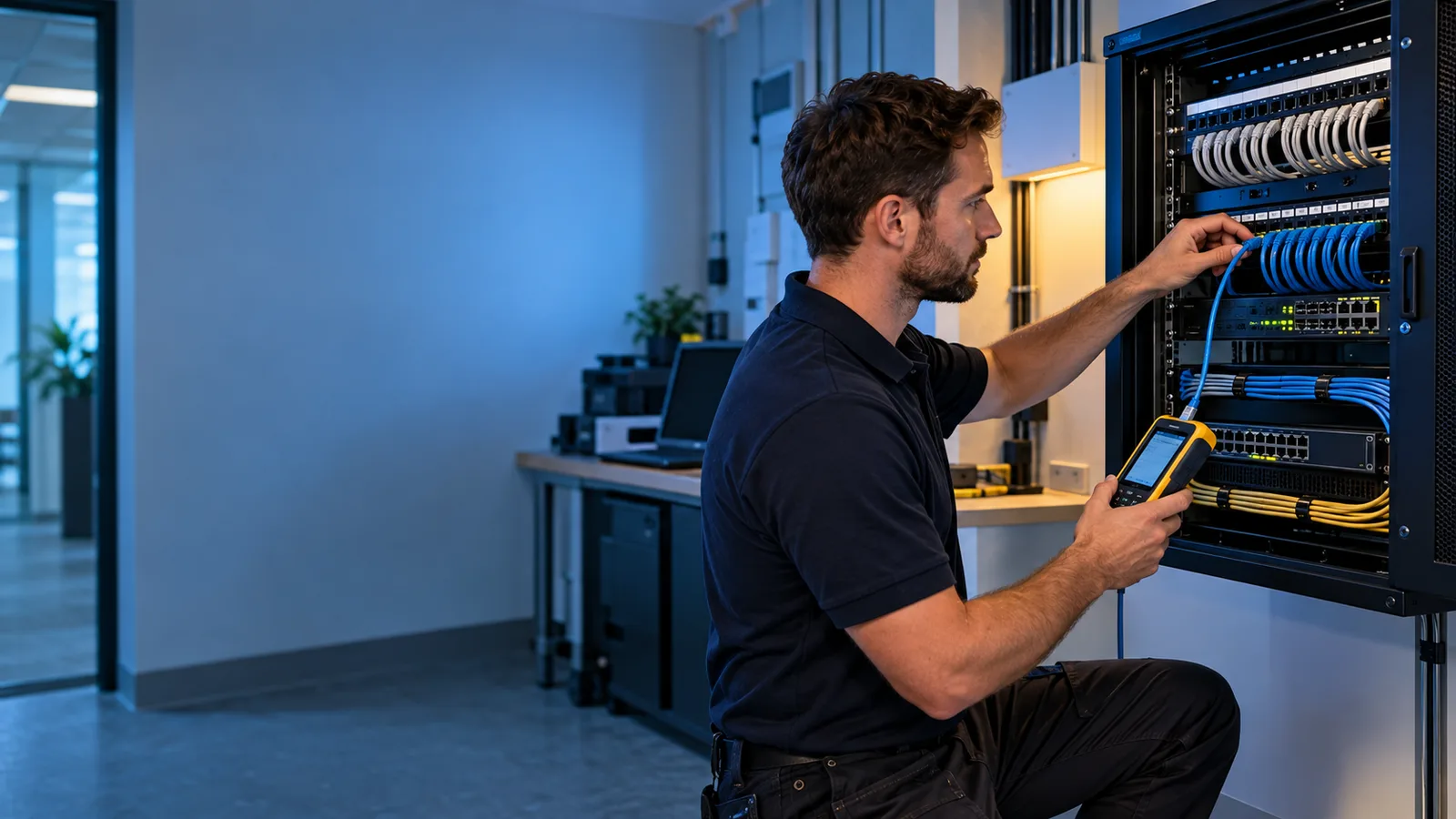
Wi-Fi troubleshooting and network support in Manchester. We investigate weak coverage, dropped connections, printer access and unreliable office networks. Planning can include cabling, access points, device groups and secure settings, with the approach shaped around the property and the equipment you use.
Recurring dropouts, delays and inconsistent performance investigated across the line, equipment, configuration and connected devices.
Discuss on WhatsAppRooms, floors and working areas with poor signal assessed for placement, interference, building materials and capacity problems.
Discuss on WhatsAppComputers, printers, servers and other authorised equipment checked for addressing, access, configuration or compatibility faults.
Discuss on WhatsAppExisting equipment and connections mapped so weaknesses, unnecessary exposure and future requirements can be understood.
Discuss on WhatsAppImportant dependencies and single points of failure identified so sensible resilience can be considered.
Discuss on WhatsAppFlat networks reviewed to determine whether staff, guests, smart devices or security equipment should be separated.
Discuss on WhatsAppThese examples show the type of situation Hawk Eyes Cyber Tech can help with. The actual solution depends on what the assessment finds.
Staff computers, guest devices, printers and security equipment all share one network. Nobody has a current map and changing one device can disrupt several others.
Hawk Eyes Cyber Tech can document the existing setup, identify dependencies and unnecessary exposure, then propose a clearer design that separates appropriate device groups and controls administrative access.
The broadband speed appears suitable near the router, but calls drop in meeting rooms and an upstairs work area.
We can assess placement, interference, building layout, client demand and access-point coverage before recommending configuration changes or a planned Wi-Fi layout.
A small organisation loses internet access, printers and shared resources whenever an ageing router or switch becomes unstable.
Hawk Eyes Cyber Tech can trace the fault, map the affected dependencies and explain whether reconfiguration, replacement or a more resilient design is the proportionate next step.
Faults are approached methodically by checking symptoms, scope, recent changes, physical connections, configuration, addressing and performance.
Users, devices, applications, coverage, internet use, growth and operational priorities are considered before equipment is selected.
Router, switch, access-point and cable locations are planned around the site, equipment needs, maintainability and reliable coverage.
Addressing, device groups, services and traffic paths are organised so the network is understandable and manageable.
Default settings, administration access, firmware, unnecessary services, segmentation, guest access and firewall controls are reviewed and strengthened.
Important connections, coverage and access rules are tested, with a clear record of the agreed layout and essential settings.
More dependable Wi-Fi and clearer control of computers, printers, smart devices and guest access.
Networks planned around staff, business systems, security, supportability and reasonable future growth.
We discuss the site, users, devices, applications, current problems, security concerns and expected growth.
Existing equipment, connections, coverage, configuration and dependencies are examined where relevant.
A proportionate physical and logical design is prepared with secure administration, segmentation and resilience in mind.
Agreed changes are configured carefully, tested against the requirement and explained in usable terms.
Depending on the problem, support may be provided at your home or workplace, or remotely with your permission. We agree the suitable route and scope before work begins. On-site appointments are arranged for a convenient time, subject to availability.
If your situation is not covered here, describe the problem by telephone or WhatsApp.
It means reducing unnecessary exposure and making the network more difficult to misuse. The work may include changing defaults, restricting administration, updating firmware, disabling unused services, separating device groups, applying suitable firewall rules and improving monitoring and documentation.
No network can be described as attack-proof. Good design and secure configuration reduce avoidable weaknesses, limit some attack paths and can restrict the impact of a compromised device, but they must be supported by updates, access control, backups, monitoring and safe user practice.
No. A fault may be caused by placement, interference, cabling, configuration or one affected device. Existing equipment should be assessed against the requirement before replacement is recommended.
Appropriate segmentation can keep guest, staff, smart and security devices apart, reduce unnecessary communication and make access rules clearer. The design should remain proportionate and manageable.
Send your postcode and a short description so we can confirm coverage and the suitable support route. Appointments, scope and charges are agreed before work begins. Read the service-fee information.
Describe what is happening and Hawk Eyes Cyber Tech will help establish the most useful next step.
